The Christmas list app your whole family can share.
Paste a link from any store and Wishloop adds the name and photo. Share your list with every side of the family, and they’ll see what’s covered without spoiling it for you.
What you get
- Links and photos from any store, not just one.
- One list for every family group: your side, the in-laws and friends all see the same list, and gift marks show in all of them.
- No doubled-up gifts: family marks what they’re buying, and everyone else sees it.
- No spoilers: you never see what’s been bought from your list.
- Lists for your kids, kept by you, and a no-password link for Grandma.
- Free, with no ads, and nothing for your family to download: your list opens in the browser on any phone or computer.
Paste a link. Share the list. Keep the surprise.
Add a wish
Paste a link
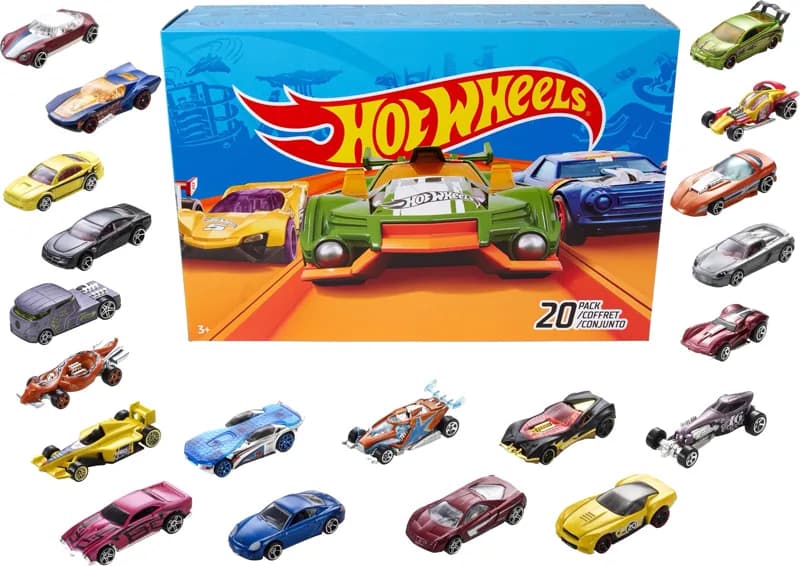
Hot Wheels 20-car pack
Target
Note: any colors, he has the red ones
Add to my list
🎄Christmas 2026
Sharing: Pok family, Work friends
Add a wish
Gift activity stays hidden from you. Keep the surprise.
 Most wantedLEGO Botanicals orchid$49.99 · LEGOHot Wheels 20-car pack$21.99 · Target
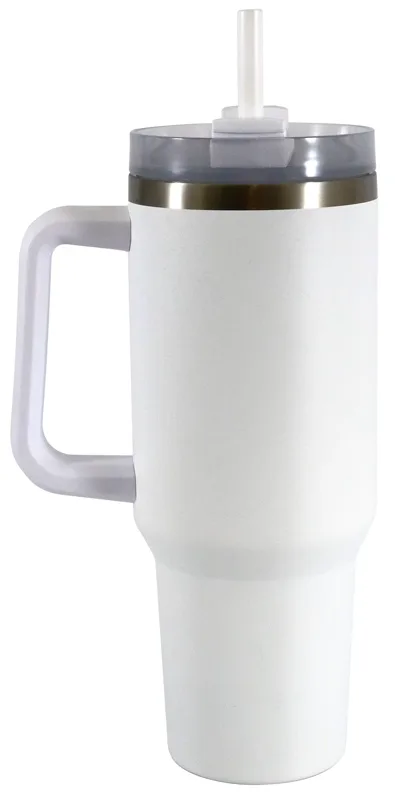 Insulated tumbler, 40 oz, white$24.97 · Walmart
 Custom family portrait$45 · Etsy
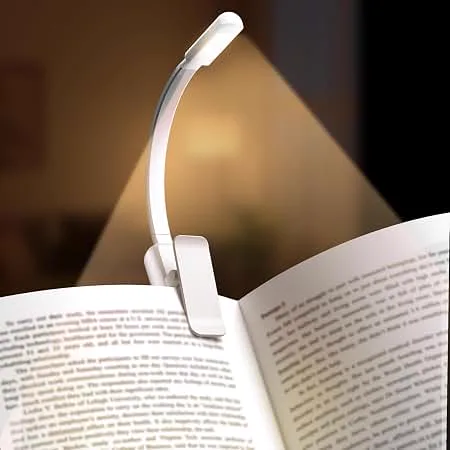 Rechargeable book lightAmazon
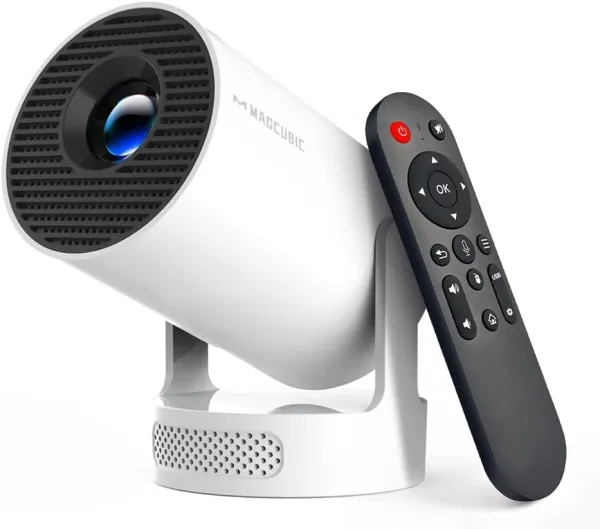 Magcubic mini projectorAmazon
🎄Christmas 2026
Enzo’s list
Most wantedLEGO Botanicals orchid$49.99 · LEGOReservedHot Wheels 20-car pack$21.99 · TargetInsulated tumbler, 40 oz, white$24.97 · WalmartYou bought thisCustom family portrait$45 · EtsyBoughtRechargeable book lightAmazonMagcubic mini projectorAmazonWishloop’s screens with sample families and gifts.
How to make a Christmas list and share it with family
- 1
Make your list
Paste a product link from any store and Wishloop fills in the name and photo, or search the big stores from the Shop tab. Add notes like size, color or which edition you already have, and mark the things you want most.
- 2
Share it with your family
Start a circle for each group you give gifts with (your side, the in-laws, the cousins) and invite them with a link or a short code. Your one list shows up in every circle you’re in. Or turn on a link for a single list and text it to anyone.
- 3
Family claims gifts
When someone picks something from your list, they mark it reserved or bought. Everyone else sees it’s covered, so nobody buys the same thing twice.
- 4
You stay surprised
You never see what’s been reserved or bought from your own list. Christmas morning is still Christmas morning.
The best way to share a Christmas list with family
Most families start with a group text or a shared doc. Here’s where those fall short.
| Feature | Group text or notes | Shared doc or sheet | Wishloop |
|---|---|---|---|
| Links from any store | Buried in the chat | Yes | Yes |
| Photos of each gift | No | If you paste them | Yes |
| Family can mark what they’re buying | No | Yes | Yes |
| Hidden from the person it’s for | No | Only with a separate copy | Yes |
| One list for several family groups | No | Share it with each | Yes |
| Easy for Grandma | Yes | Sometimes | One link, no password |
If everything you want is on Amazon, an Amazon list works. Most families shop at more than one store, though, and Wishloop takes links from any of them, Amazon included.
A list for everyone in the family
Kids
Parents add their kids and keep their lists. Kids don’t need an email or an account, and they can still be in the name draw.Grandparents
Text them a share link. They can see the list and mark a gift with just their name, with no account and no password.Every side of the family
Keep one list and share it with each circle. When Mom’s side marks a gift bought, the in-laws see it too.Birthdays, all year
Add a birthday and choose who sees it. The people you pick see it coming up, with a link to your list.
Drawing names, too?
If your family does Secret Santa instead of everyone buying for everyone, Wishloop draws names in the same place. It keeps couples apart, puts kids in their own draw with their own budget, and avoids last year’s matches. The person you draw comes with their list. See the Secret Santa app.
Stuck on what to put on your list? Browse the gift guides, from the hottest toys of 2026 to gifts for someone who has everything.
Questions people ask
Is Wishloop free?
Yes. Lists, sharing, circles and name draws are free, with no ads and no paid tier. Wishloop may earn a small commission when someone buys through some store links, which doesn’t change the price.
Can I add things from any store?
Yes. Paste a link from Amazon, Target, Etsy, a small shop or anywhere else, and Wishloop fills in the name and photo when the store’s page allows it. You can also search the big stores inside the app.
Will I see what my family bought me?
No. Gifts reserved or bought from your list are hidden from you and shown to everyone else, so they can avoid doubling up without spoiling the surprise.
What’s the best way to share a Christmas list with family?
Use one list that every family group can see, with a link for each wish and a way to mark gifts bought that the list’s owner can’t see. Group texts and shared documents get lost or spoil the surprise; a list app like Wishloop keeps it all in one place.
How do I make a Christmas list with links?
In Wishloop, copy the product’s link from the store’s website or app, tap Add and paste it. The name and photo come in with the link, and your family gets one tap straight to the right product.
Can family see my list without signing up?
Yes. Turn on a share link for a list and send it to anyone. People with the link can see the list and mark a gift as covered with just their name, with no account, password or app to download.
Can I make a Christmas list for my kids?
Yes. Parents add their kids and keep their lists for them. Kids don’t need their own account, and they can still be part of a name draw.
Does it work on iPhone and Android?
Yes. Wishloop works in the browser on any phone, tablet or computer, so nobody has to download anything. Add it to your home screen to open it like an app.
Who can see my list?
Only the circles you share it with, and anyone you send a list’s share link to. There are no ads, and Wishloop doesn’t sell your information.
Can I use it after Christmas?
Yes. Add your birthday and choose who sees it, and the same list works all year.
More for the holidays
A free Secret Santa app
Draw names with wish lists built in, couples kept apart and kids in their own draw.
Read itThe best gift exchange and wish list apps
Elfster, DrawNames, Giftster, Giftful and Wishloop, side by side.
Read itChristmas gifts for mom
Twenty-two gifts she’ll actually use.
Read itStocking stuffers
Small gifts that still feel thoughtful.
Read it
Your Christmas list, sorted.
Free. No ads. About a minute to start.
Start your Christmas list